
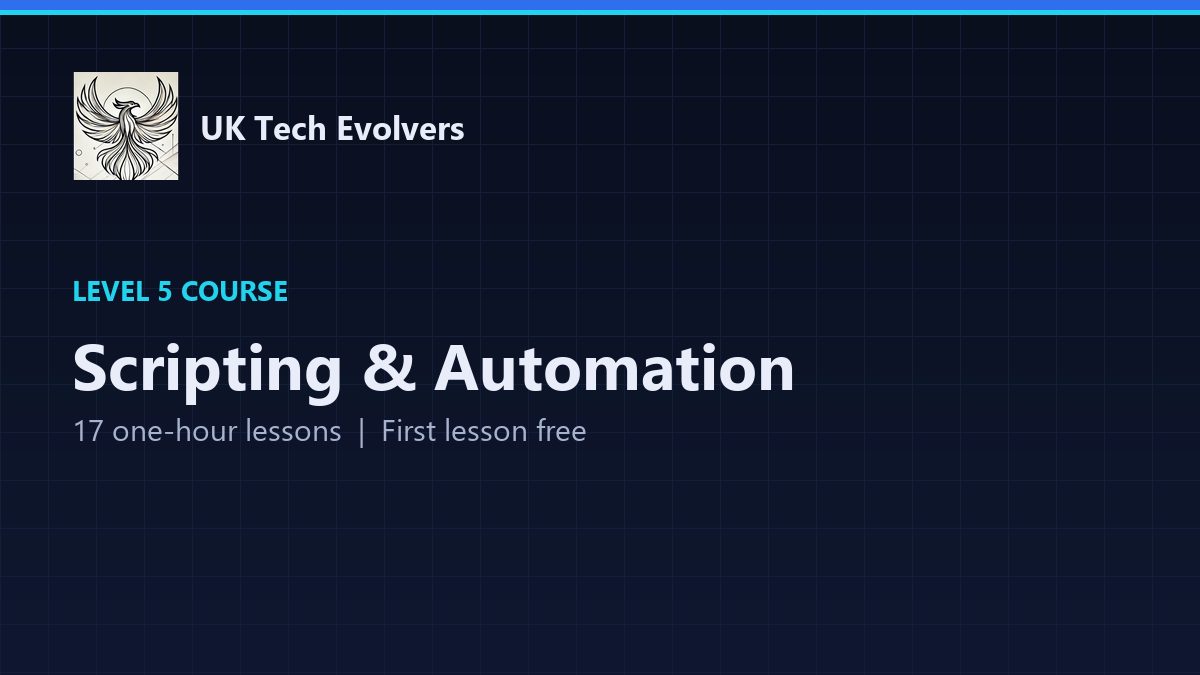
About Course
Stop doing it by hand
Scripting & Automation is for system administrators and support engineers who already use the command line and want to automate their work properly. You will write PowerShell 7 and bash scripts that take parameters, handle errors, log what they did and run on a schedule; keep them in Git with branches and pull requests; and use Python 3.12+ for files, data and web APIs. Every script in the course is small, complete and runnable.
What you will be able to do
- Write PowerShell 7 scripts and advanced functions with help, parameter validation, pipeline input and
-WhatIfsupport. - Handle PowerShell errors with try, catch and finally, log every run and return meaningful exit codes.
- Package functions as a versioned PowerShell module and test it with Pester.
- Schedule scripts with Task Scheduler, cron and systemd timers and check whether last night’s run worked.
- Write bash scripts with correct quoting, tests, loops, arrays, functions and options, and harden them with strict mode, traps and ShellCheck.
- Use Git for everyday work: commits, branches, merges, conflicts, remotes and pull requests, without leaking secrets.
- Build Python tools in virtual environments that read and write CSV and JSON, call REST APIs safely and run system checks.
How the course works
- 17 lessons in 4 modules: PowerShell Scripting, Bash Scripting, Git & Version Control, and Python for Sysadmins. Each lesson takes about 60 minutes.
- Every lesson follows the same pattern: a short introduction, a plain-English explanation, a 25-minute guided lab, a 10-minute exercise using an AI assistant safely with a verification step, a five-question quiz and a recap.
- Labs run on your own computer or a practice virtual machine (Windows 11 and Ubuntu 24.04 LTS) and only touch practice folders and data you create.
- Written in UK English with links to the official documentation: Microsoft Learn, the GNU Bash manual, git-scm.com, GitHub Docs and docs.python.org.
- Supports the scripting and automation topics of CompTIA Linux+ and Red Hat RHCSA, and the PowerShell skills used for AZ-104.
What is included, and what is not
The price gives you access to all 17 self-paced online lessons and quizzes. The first lesson is free to preview. Live classes with a tutor, in person or online, are booked separately and are not included in the course price. This course supports exam preparation but is not a formal qualification and does not include an exam voucher; check the current exam objectives on the CompTIA and Red Hat websites.
Is it right for me?
You should already be comfortable at the PowerShell and Linux command line, as covered in our Level 2 Windows and Linux tracks, and be able to create, move and delete files from a terminal. You do not need any programming experience. After this course, take Infrastructure as Code & CI/CD, which builds directly on the Git and scripting skills you learn here.
Course Content
L5-AUT-01 PowerShell Scripting
-
From commands to scripts: PowerShell 7 script structure and parameters
-
Advanced functions and the pipeline
-
Error handling and logging in PowerShell
-
Building and testing a PowerShell module
-
Scheduled automation with PowerShell
L5-AUT-02 Bash Scripting
L5-AUT-03 Git & Version Control
L5-AUT-04 Python for Sysadmins
Student Ratings & Reviews